
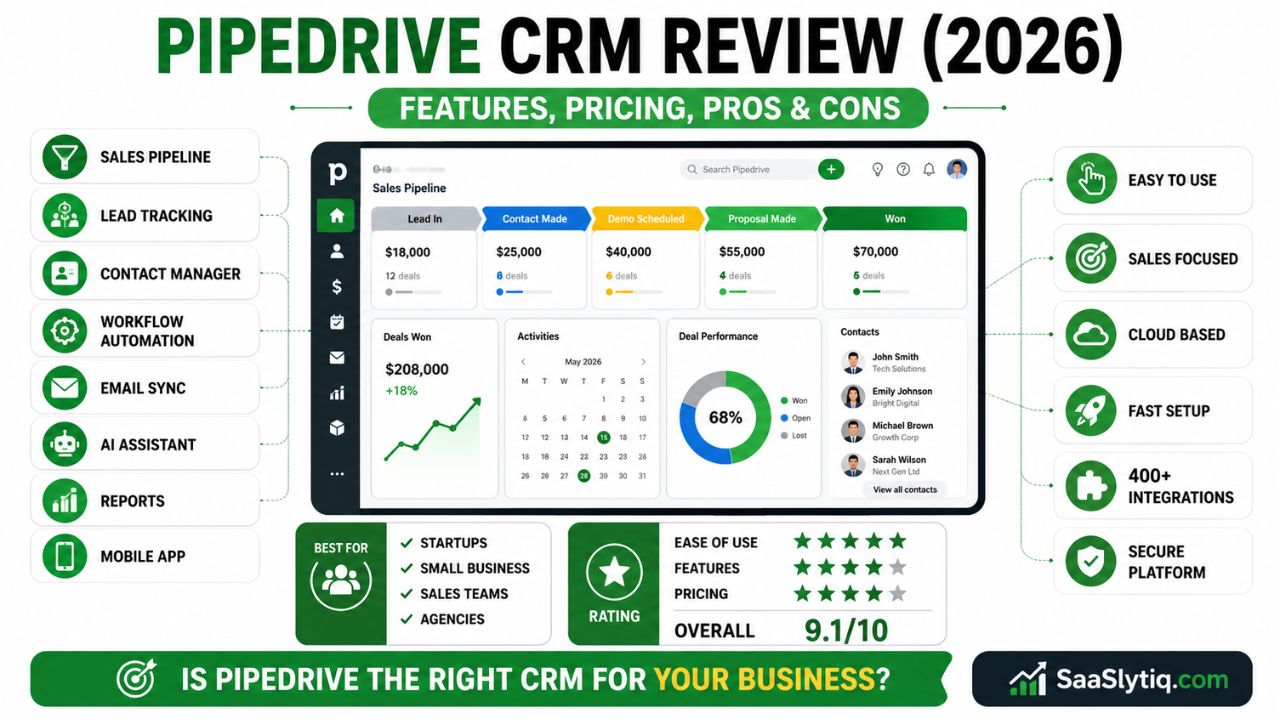
Choosing the right CRM can make a big difference in how your business manages leads, customers, and sales opportunities. With so many CRM platforms available today, finding one that matches your business needs can be challenging. Pipedrive CRM is one of the most popular sales-focused CRM solutions for small and medium-sized businesses. It offers an easy-to-use interface, visual sales pipelines, workflow automation, and useful integrations that help sales teams stay organized and close deals faster.
In this Pipedrive CRM review, we take a close look at its features, pricing, pros and cons, ease of use, and overall value. We also compare its strengths and weaknesses to help you decide whether it is the right CRM for your business. Whether you run a startup, a growing company, or a sales-driven organization, this review will give you a clear understanding of what Pipedrive offers and where it falls short.
By the end of this review, you will know who should use Pipedrive CRM, what benefits it provides, and whether its pricing matches the features you receive. If you are looking for a CRM that simplifies sales management, improves team productivity, and helps you build stronger customer relationships, this guide will help you make an informed decision.
What Is Pipedrive CRM?
Pipedrive CRM is a cloud-based customer relationship management (CRM) software designed to help businesses manage leads, track deals, and improve their sales process. It is best known for its visual sales pipeline, which allows users to organize opportunities and monitor every stage of the sales journey. Its simple interface makes it easy for both beginners and experienced sales teams to use.
The platform is ideal for startups, small businesses, agencies, and B2B sales teams. It includes essential CRM features such as contact management, lead management, workflow automation, email integration, activity tracking, and sales reporting. These tools help businesses save time, stay organized, and build stronger customer relationships.
Pipedrive also supports integrations with popular business tools like Gmail, Outlook, Google Calendar, Slack, Zoom, QuickBooks, and Zapier. Combined with its mobile app and customizable sales pipeline, Pipedrive offers a practical solution for businesses that want to increase productivity and close more deals.
If you’re comparing different CRM platforms before making a decision, it’s worth exploring our Best CRM Software guide. We compare the top CRM solutions based on features, pricing, ease of use, and business size to help you choose the right platform.
Pipedrive CRM Key Features
Pipedrive CRM includes all the essential tools businesses need to manage leads, track deals, and improve their sales process. Its clean interface and easy-to-use features make it a popular choice for startups, small businesses, and sales teams.
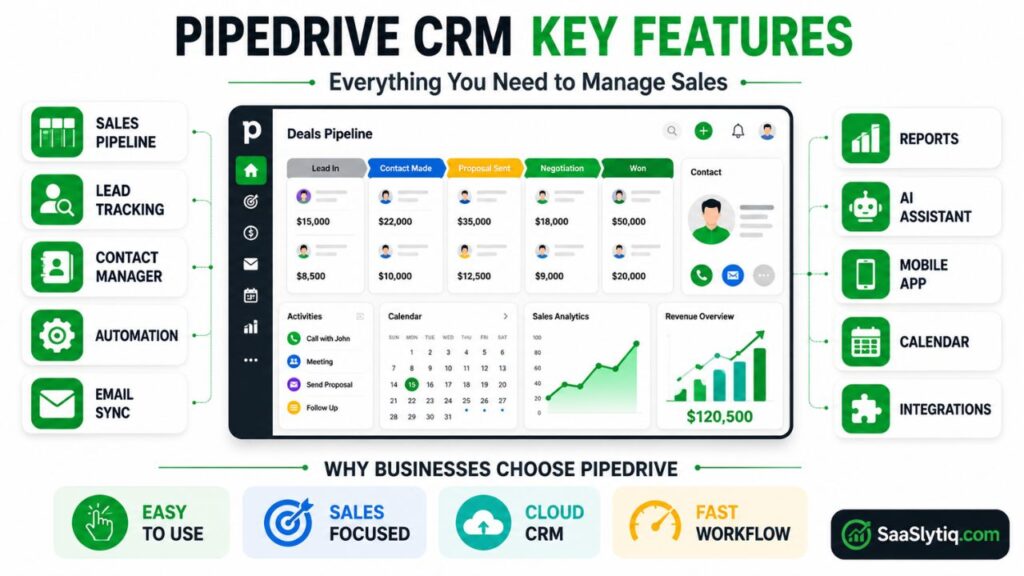
| Feature | Description |
| Visual Sales Pipeline | Track deals with an easy drag-and-drop pipeline. |
| Contact Management | Store customer details, notes, and communication history. |
| Lead & Deal Management | Organize leads and monitor every sales opportunity. |
| Workflow Automation | Automate repetitive tasks and follow-ups. |
| Email Integration | Connect Gmail and Outlook for email sync and tracking. |
| Calendar Management | Schedule meetings and manage daily activities. |
| Reports & Analytics | Track sales performance with detailed reports. |
| AI Sales Assistant | Get smart recommendations to improve sales. |
| Mobile App | Manage your CRM anytime from Android or iPhone. |
| Third-Party Integrations | Connect with Slack, Zoom, Zapier, QuickBooks, Xero, and more. |
Overall, Pipedrive CRM offers a balanced set of features that help businesses stay organized, improve productivity, and close deals faster.
Our Experience
After reviewing Pipedrive CRM, we found its visual sales pipeline to be the standout feature. The interface is clean, and most users can learn the platform quickly. Businesses that want a simple sales CRM without unnecessary complexity will likely appreciate its design and ease of use.
Pipedrive CRM Pricing
Pipedrive CRM offers flexible pricing plans that fit businesses of different sizes. Whether you are a freelancer, a startup, or an established company, you can choose a plan based on your sales goals and team requirements. Instead of paying for features you do not need, you can start with a basic plan and upgrade as your business grows.
One of the biggest advantages of Pipedrive is its transparent pricing. All plans include access to the core CRM platform, while higher-tier plans unlock advanced features such as workflow automation, revenue forecasting, AI-powered tools, enhanced reporting, and stronger security controls. Pipedrive also provides a free trial, allowing businesses to test the software before purchasing a subscription.
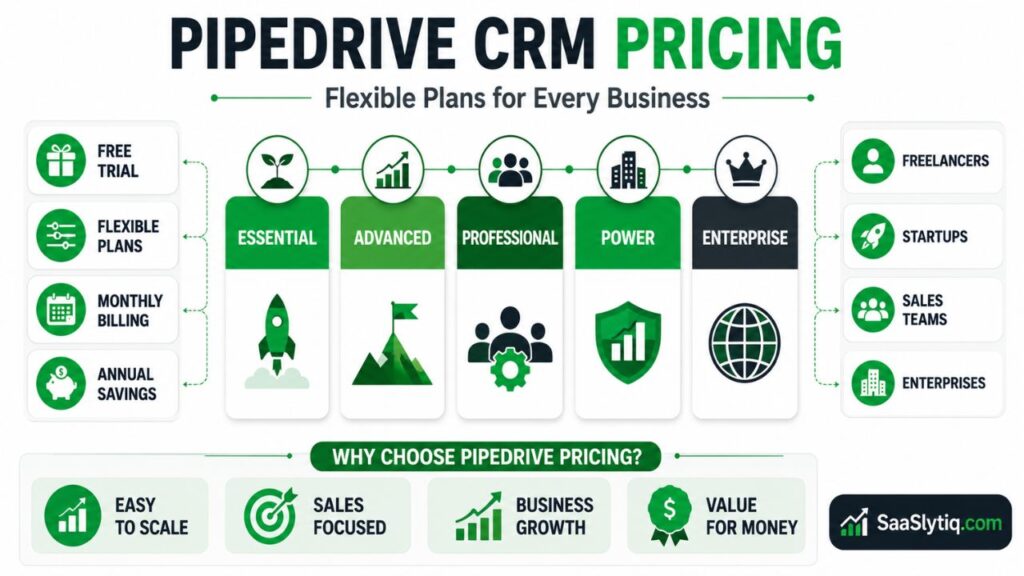
Pipedrive CRM Pricing Plans
| Plan | Best For | Key Features |
| Essential | Freelancers and small businesses | Contact management, visual sales pipeline, calendar, basic reporting, mobile app |
| Advanced | Growing sales teams | Email sync, workflow automation, email tracking, meeting scheduler |
| Professional | Medium-sized businesses | Revenue forecasting, advanced reporting, team management, custom fields |
| Power | Large sales teams | Project collaboration, advanced permissions, enhanced support, deeper customization |
| Enterprise | Large organizations | Unlimited permissions, security alerts, dedicated support, advanced security features |
Does Pipedrive Offer a Free Plan?
Unlike some CRM platforms, Pipedrive does not offer a permanent free plan. However, it provides a free trial that lets you explore its features before making a commitment. This gives businesses enough time to test the sales pipeline, automation tools, integrations, and reporting features using real business data.
Is Pipedrive CRM Worth the Price?
Pipedrive delivers excellent value for businesses that need a sales-focused CRM. The software is easy to learn, which reduces employee training time. It also includes automation tools that save hours of manual work each week. As your sales team grows, you can upgrade to higher plans without changing to another CRM platform.
For many small and medium-sized businesses, the investment is worthwhile because Pipedrive helps improve lead management, organizes customer data, tracks deals more effectively, and increases sales productivity. The platform also integrates with popular business tools such as Gmail, Outlook, Google Calendar, Slack, Zoom, QuickBooks, Xero, Mailchimp, and Zapier, making it easier to manage daily work from one place.
Before choosing a plan, compare the included features with your business needs. Companies that only need basic contact management and deal tracking may find the Essential plan sufficient. Businesses that rely on sales automation, detailed analytics, custom reporting, and team collaboration will benefit more from the Professional, Power, or Enterprise plans.
We believe Pipedrive offers good value for businesses that focus on sales management. While it doesn’t include a free plan, the automation tools, reporting features, and integrations justify the cost for many startups and small businesses.
Pipedrive is a strong sales-focused CRM, but it isn’t the only option available. If you’re looking for a CRM with advanced marketing features or a free plan, read our HubSpot CRM Review, Zoho CRM Review, and Salesforce CRM Review to compare their features, pricing, and overall value.
Pipedrive CRM Pros and Cons
Like any CRM software, Pipedrive has both strengths and weaknesses. It is designed mainly for sales teams that want a simple, visual, and easy-to-use CRM. While it offers powerful sales management and automation features, it may not be the best choice for businesses looking for advanced marketing tools or a free plan.
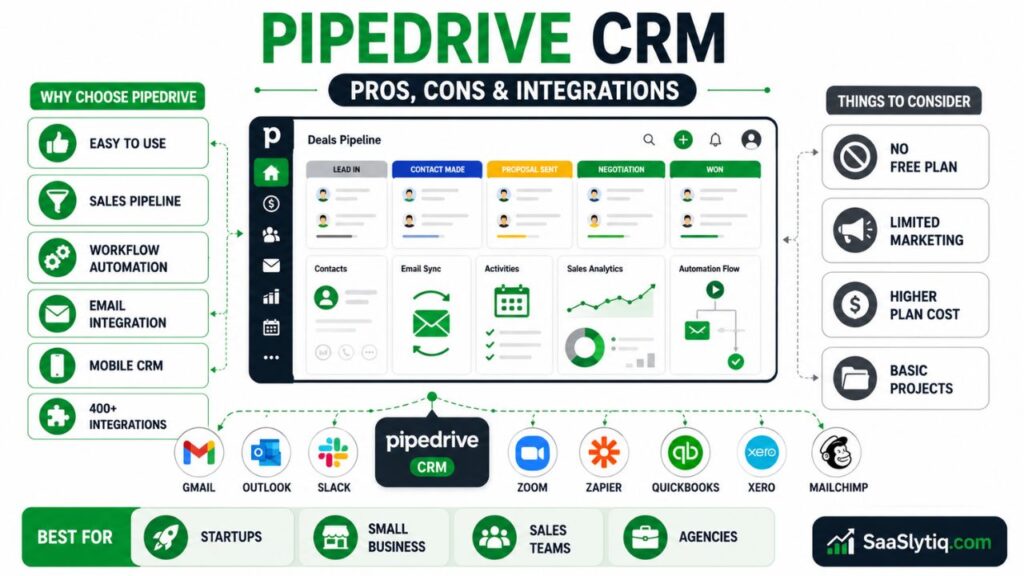
| Pros | Cons |
| Easy-to-use interface | No free forever plan |
| Visual sales pipeline | Limited marketing automation |
| Powerful workflow automation | Some advanced features cost extra |
| Strong email integration | Limited project management tools |
| Excellent mobile app | Higher plans can be expensive |
| Hundreds of integrations | Fewer customization options than some enterprise CRMs |
Overall, Pipedrive CRM is an excellent choice for startups, small businesses, and sales teams that want to manage leads, track deals, and improve sales performance with an easy-to-use CRM platform.
What We Liked
During our review, we liked how easy it was to manage deals using the drag-and-drop pipeline. Workflow automation also helped reduce repetitive tasks, while the overall interface remained fast and user-friendly.
What Could Be Better
Pipedrive could become even better by offering a free plan and stronger built-in marketing automation. Some advanced features are available only on higher-priced plans, which may not suit every small business.
Pipedrive CRM Integrations
Pipedrive CRM connects with many popular business tools, making it easy to manage your sales process from one place. These integrations help automate tasks, improve communication, and keep your data organized.
| Integration | Purpose |
| Gmail & Outlook | Email sync and tracking |
| Google Calendar | Schedule meetings and activities |
| Slack | Team communication |
| Zoom | Online meetings |
| Zapier | Connect with thousands of apps |
| QuickBooks & Xero | Accounting and invoicing |
| Mailchimp | Email marketing |
| Trello & Asana | Project management |
With these integrations, businesses can save time, reduce manual work, and create a smoother workflow across different tools.
Pipedrive CRM Customer Support
Pipedrive offers reliable customer support to help users solve problems quickly. It also provides helpful learning resources for beginners and growing businesses.
| Support Option | Availability |
| Live Chat | Available on paid plans |
| Email Support | Yes |
| Knowledge Base | Yes |
| Video Tutorials | Yes |
| Community Forum | Yes |
| Help Center | 24/7 Access |
Overall, Pipedrive provides good customer support for most businesses. Its knowledge base, tutorials, and responsive support team make it easy to learn the platform and resolve common issues.
If you work in a specific industry, choosing a niche CRM can improve productivity. You can also explore our Best CRM for Dentists and Best CRM for Real Estate Agents guides to find software designed for industry-specific needs.
Pipedrive CRM Security
Pipedrive CRM includes several security features to protect customer data and business information. It follows industry standards and gives businesses tools to keep their accounts secure.
| Security Feature | Benefit |
| Two-Factor Authentication (2FA) | Adds an extra layer of account security |
| Data Encryption | Protects data during storage and transfer |
| User Permissions | Controls employee access |
| Security Alerts | Monitors suspicious activity |
| GDPR Compliance | Supports data privacy requirements |
| Regular Backups | Helps protect important business data |
Pipedrive is a secure CRM solution for businesses that handle customer information daily. Its security features help reduce risks while keeping data safe and accessible.
Our Rating
| Category | Rating |
| Ease of Use | 9.5/10 |
| Features | 9/10 |
| Pricing | 8.5/10 |
| Integrations | 9/10 |
| Customer Support | 8.5/10 |
| Overall Score | 9.1/10 |
Conclusion
Pipedrive CRM is a reliable choice for businesses that want to simplify their sales process and manage customer relationships more effectively. Its visual sales pipeline, easy-to-use interface, workflow automation, and wide range of integrations make it a strong option for startups, small businesses, and growing sales teams.
Although it does not offer a free forever plan and has limited marketing features, it provides excellent value for businesses focused on sales management. If your goal is to organize leads, track deals, and improve team productivity, Pipedrive CRM is worth considering.
Frequently Asked Questions (FAQs)
1. What is Pipedrive CRM?
Pipedrive CRM is a cloud-based customer relationship management platform designed to help businesses manage leads, track deals, and improve sales performance.
2. Is Pipedrive CRM free?
No. Pipedrive does not offer a free forever plan, but it provides a free trial for new users.
3. Who should use Pipedrive CRM?
Pipedrive is ideal for startups, small businesses, sales teams, agencies, and B2B companies that need an easy-to-use sales CRM.
4. Does Pipedrive CRM support workflow automation?
Yes. Pipedrive includes workflow automation that helps automate repetitive tasks such as follow-up emails, deal updates, and activity reminders.
5. Can Pipedrive integrate with other tools?
Yes. Pipedrive integrates with popular tools like Gmail, Outlook, Slack, Zoom, Google Calendar, Zapier, QuickBooks, Xero, and Mailchimp.
6. Is Pipedrive CRM good for small businesses?
Yes. Its simple interface, affordable pricing, and sales-focused features make it a great CRM for small and growing businesses.
7. What are the main advantages of Pipedrive CRM?
The biggest advantages include an intuitive sales pipeline, contact management, automation, reporting, mobile app, and hundreds of integrations.
8. Is Pipedrive better than HubSpot CRM?
It depends on your needs. Pipedrive is better for businesses focused on sales pipeline management, while HubSpot CRM offers stronger marketing and customer service features.